Your site becomes an app.
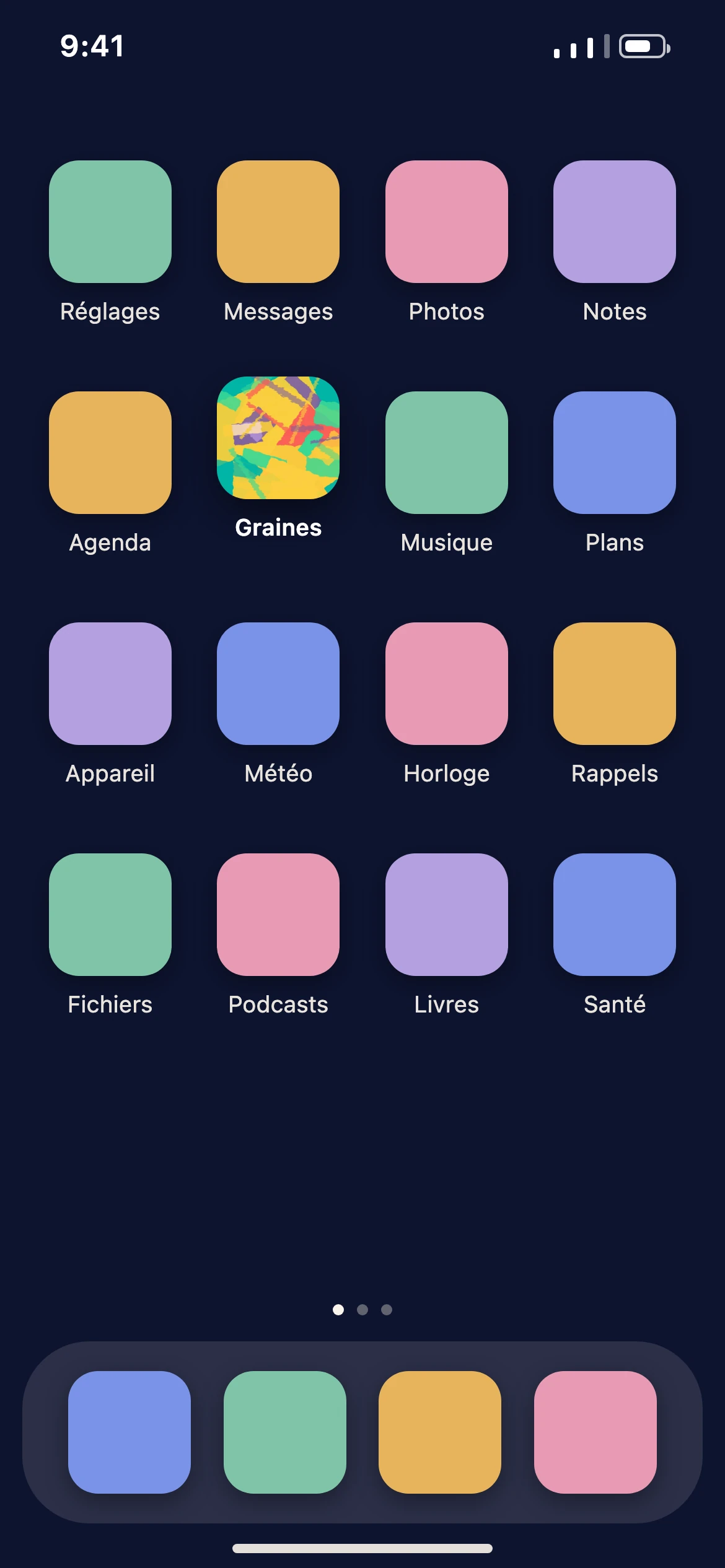
Your listeners add your site to their phone’s home screen, straight from their browser. The icon carries your podcast’s name and cover art, it opens full screen, and it works offline.
Your name, your cover art
It’s your WordPress site that gets installed. Zekast gives it your podcast’s name and cover art, so the icon on the phone is yours, not Zekast’s.
Two ways in, depending on the phone
Android offers to install it on its own; on iPhone, it’s done from Safari’s Share menu. Either way, your listener stays in their browser: the site installs from the page they’re reading, without going through an app store.
Offline
Episodes already opened are kept in memory and play offline. On the subway, on a plane, in a dead zone, playback keeps going.
Lock screen
Play, pause and episode switching show up on the lock screen and on Bluetooth headphones, just like any audio app.
Resume playback
When listeners come back, playback picks up exactly where they left off, even if they closed the app in the meantime.
In your colors
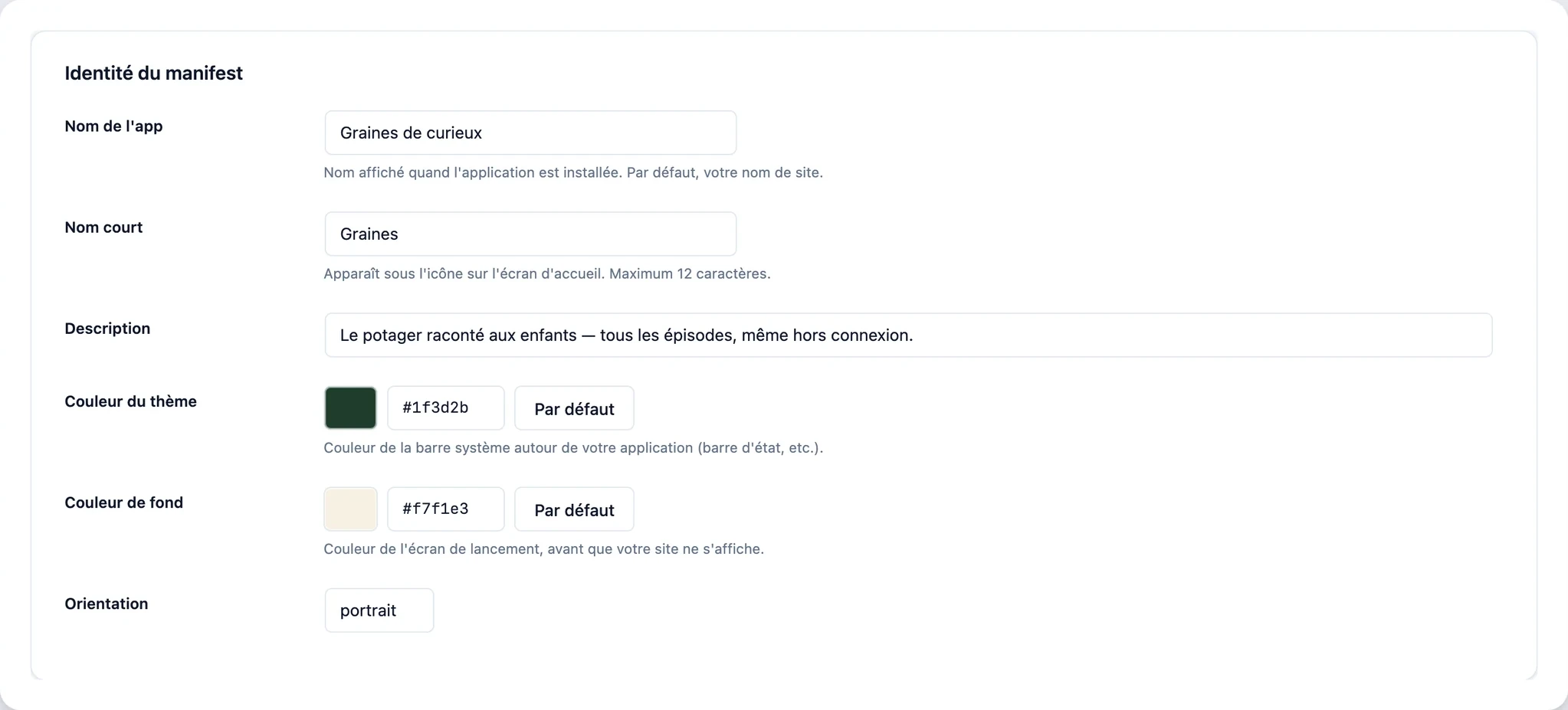
The app’s icon and splash screen use the colors you chose.
The name under the icon
The full name appears during installation, and a short name of twelve characters fits under the icon on the home screen.
The launch screen
The background color fills the screen while your site loads, every time it opens.
The system bar
The theme color tints the phone’s status bar around your app, and the orientation is locked to portrait.

The mobile app from €39/month
See all plans