Your files come home.
The import created your pages, but the audio is still with your previous host. Migration moves it over, episode by episode, at your own pace. And it’s what lets you cancel.
The move
The “Host” screen moves the files to your site. You choose what goes, and when.
At your own pace
By podcast, by season, or starting with a single episode to see how it goes. The rest follows when you decide.
No interruption
Each migrated episode quietly changes address in your feed: your listeners' app keeps playing the same show.
Paid episodes first
The episodes you plan to sell are the ones to bring over first: migration comes before monetization.
Once they arrive
Your files are on your site. Three things become true the day the last episode has moved.
Cancel
As long as the files are with your previous host, you pay twice. Once your files have arrived, the old account is empty: you close it.
Protect
A paid episode holds up because the file is on your side: Zekast and a signed Bunny zone can refuse a request, and the links you serve expire.
Track
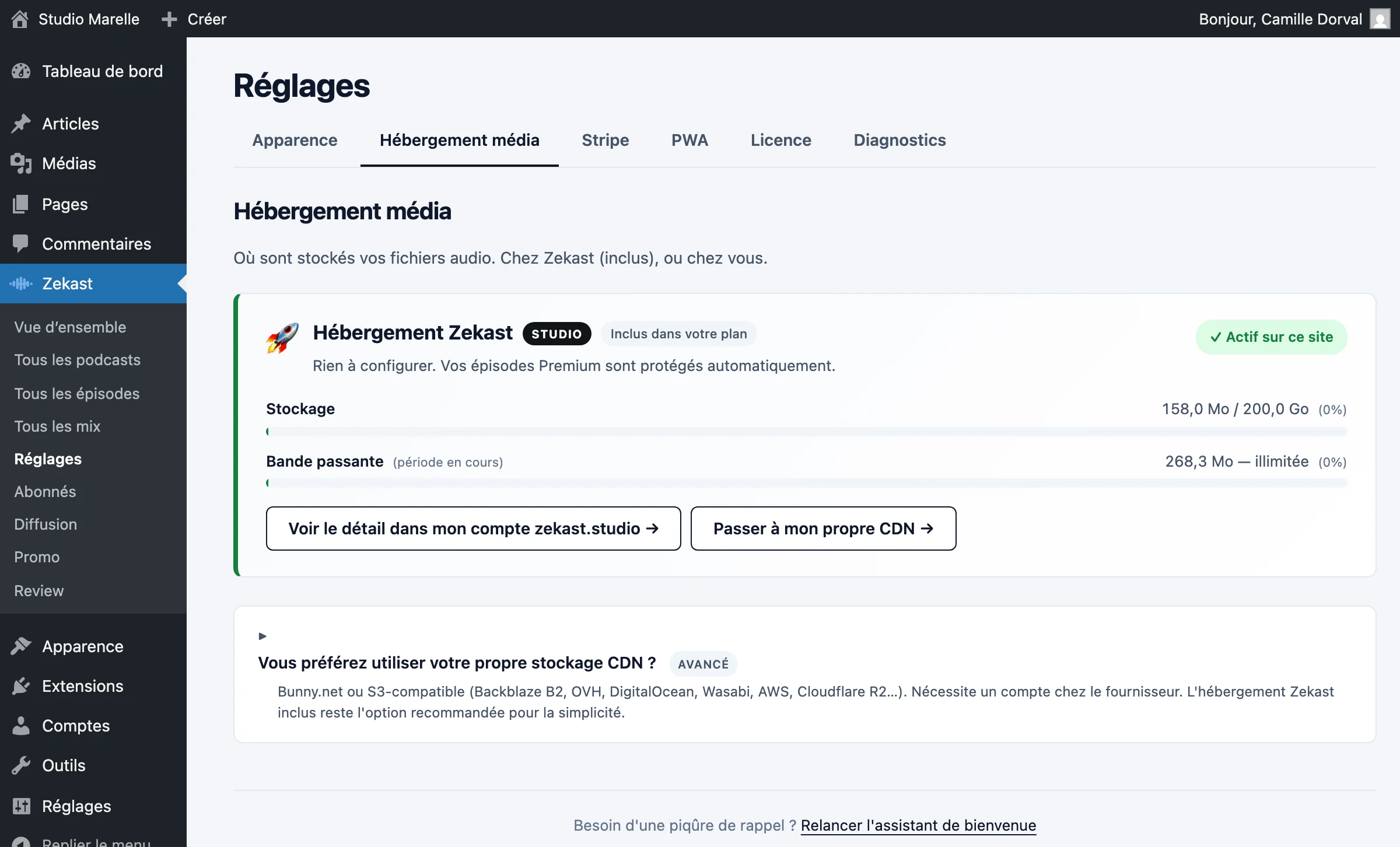
Storage and bandwidth used are shown in your admin, refreshed every five minutes.

Bringing your files over is included, from the free plan
See all plans