Every episode gets its own page.
Its own URL, its own image, its own text, and its place in your site search and in Google.
Live in five minutes
A setup wizard opens on activation and walks you through six steps: where your podcast comes from, where the files live, subscriptions if you want them, and your first published episode.
It saves as you go
You pick up where you left off, and you skip what you don’t need. Paid subscriptions, for example, can be set up later.
Your pages are created
At the end, Zekast adds a Podcasts page and an Episodes page, already filled with your catalog.
Five minutes, the simple path
That’s how long it takes for a podcast you import and publish. With Stripe and custom layouts, allow more time.
One feed, the whole catalog
Paste your feed URL: the podcast and every one of its episodes become pages on your site, cover art included.
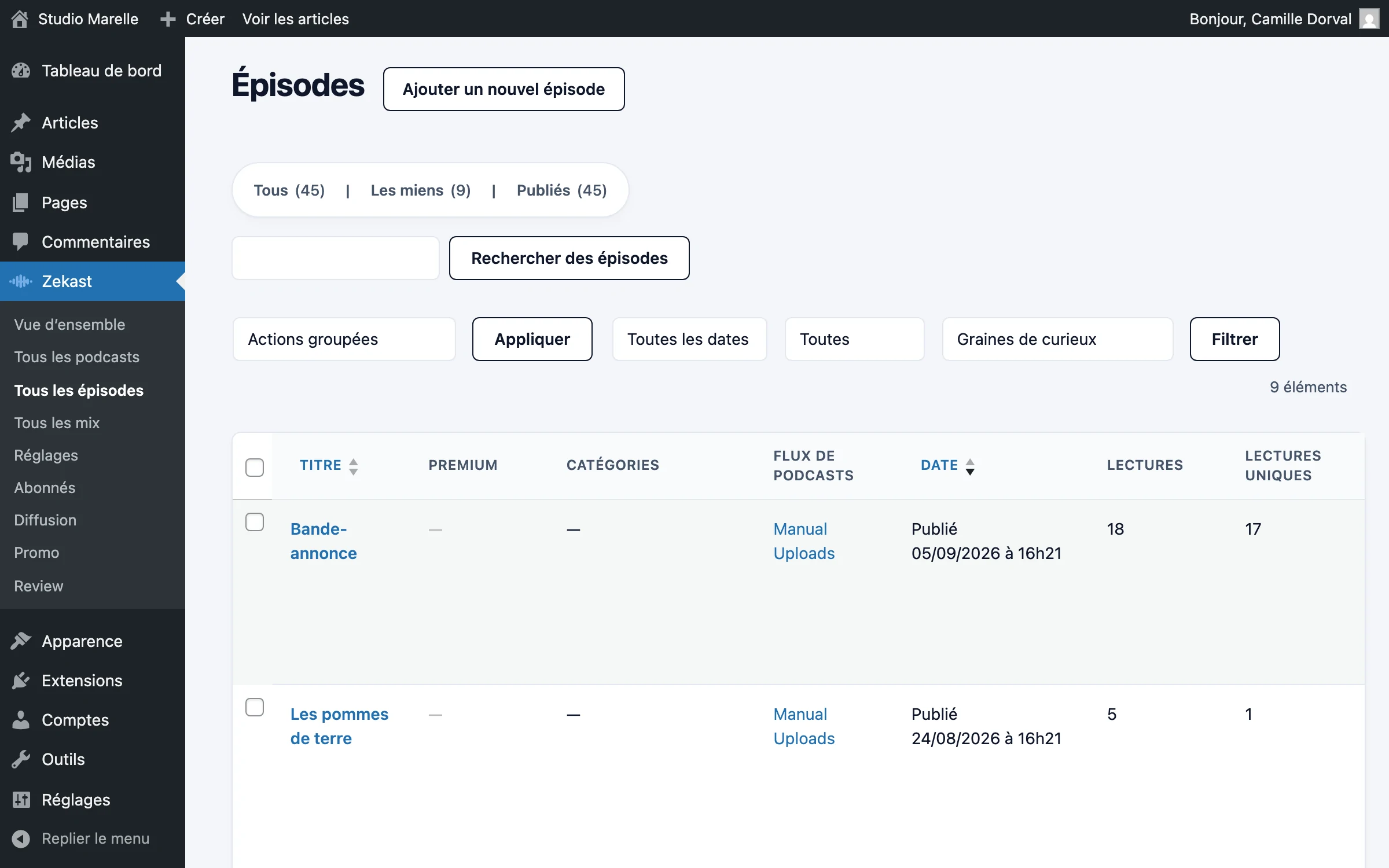
In two minutes
Title, description, date, duration and cover arrive in one go, for the whole catalog. You review, you publish.
Your changes stay
Every feed refresh respects the text and images you’ve reworked on your site.
The audio follows later
Import copies the URLs of your files: your current host keeps serving them, until the day you bring them over.
The player on your site
The catalog appears in the format you choose, and the player stays at the bottom of the screen the whole time you scroll.
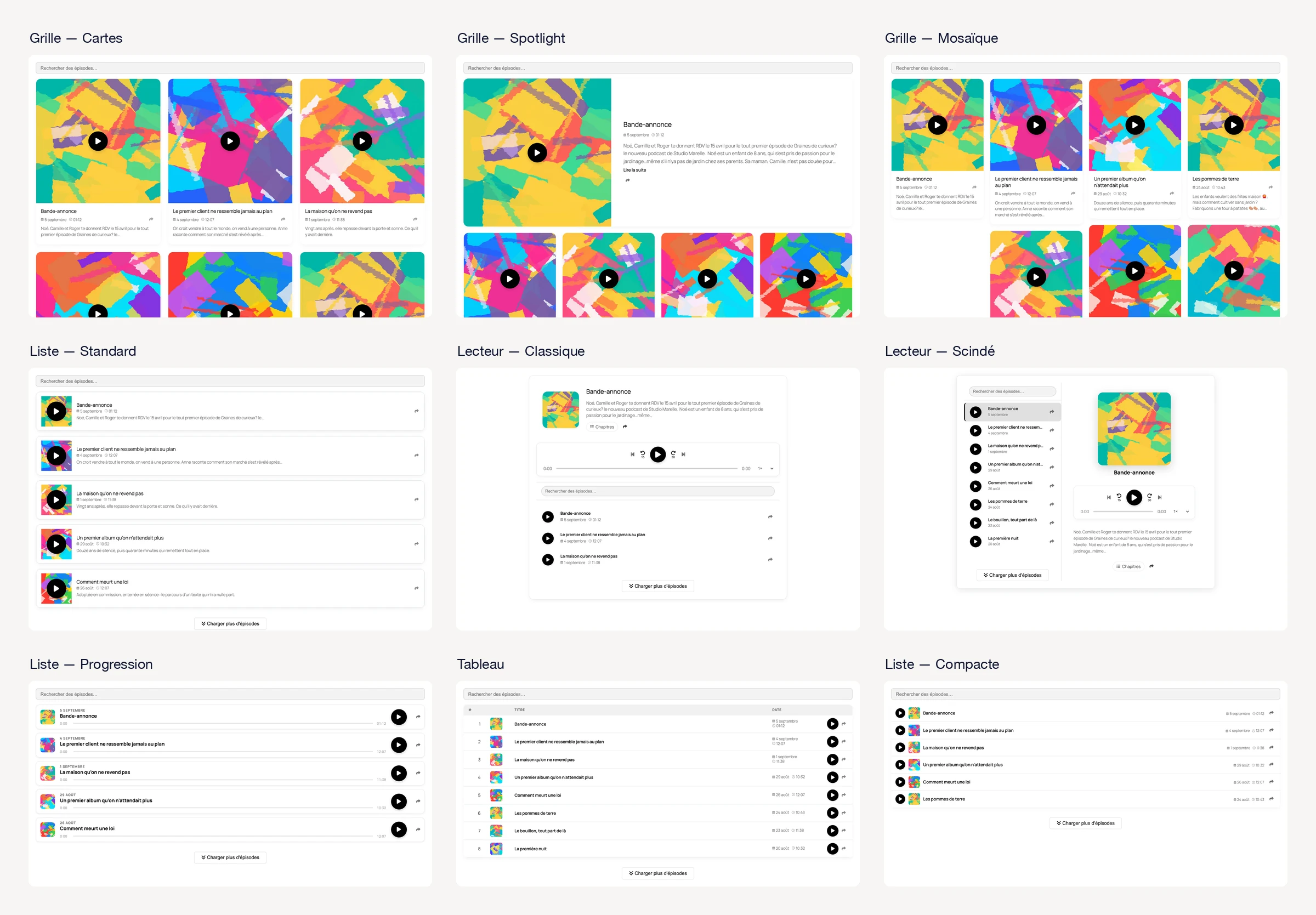
Nine formats
Grid, list, table, mosaic, spotlight: four layouts on the Free plan, five more with Starter. You switch from a dropdown, and the preview follows in the editor.
The same on a phone
The player sits at the bottom of the screen. Swipe it to open the details and chapters, and playback carries on behind.
On the home screen
On Pro and up, your listeners install your site as an app: episodes they’ve already opened play on the subway, offline.
Clickable chapters
A long episode splits into chapters: listeners go straight to the part they want, and pick up where they left off.
Written once
In the episode’s Audio Studio, a title and a timestamp per chapter, reordered by dragging. If the imported podcast already had chapters, they come in with the import.
Clickable on your site
A “Chapters” button in the classic and split players, a drawer in the phone player, and a block to place on the episode page. One click, and playback starts at the right moment.
And in listening apps
Chapters go out in your feed. Apple Podcasts and Pocket Casts show them during playback.
Your episodes on other sites
Paste one snippet of code, and the episode (or the whole podcast) shows up on someone else’s site.
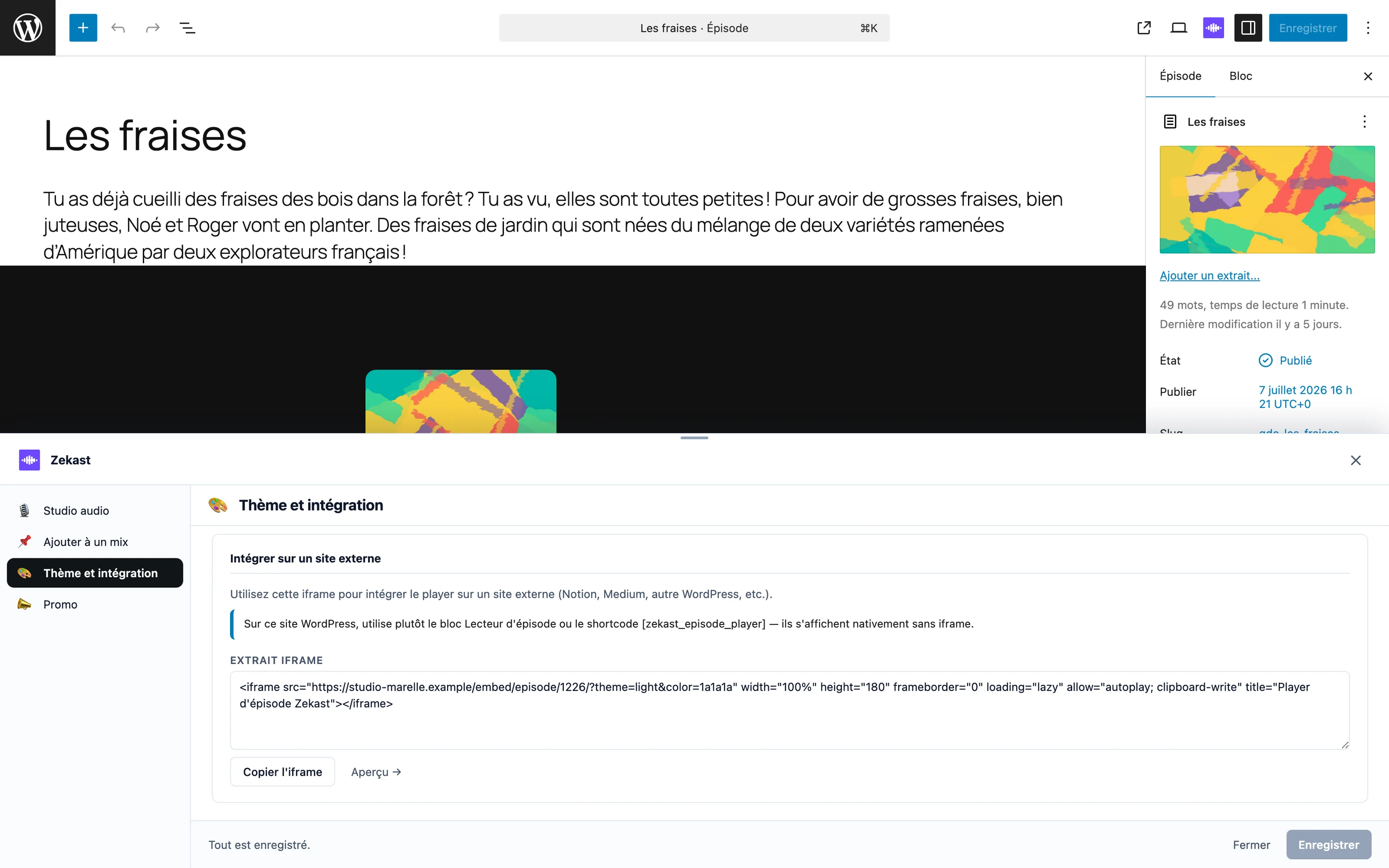
Your player, elsewhere
Your colors, your light or dark theme, and a link back to you: whoever is listening knows where the episode comes from.
Premium stays premium
A paid episode embedded elsewhere still requires a subscription, and the file is still served from a URL that expires.
Even on the Free plan
The embed code is there from day one. On Pro and up, the player carries your brand alone.

The essentials are free, no credit card required
See pricingInstall the plugin, import your feed or create your podcast. Every episode will get its own page.